Chaoschunks is a mod made by yours truly.
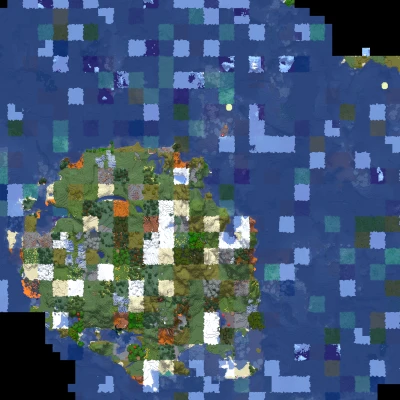
The main function of Chaoschunks (as of now) is to create a biome randomized world. it has region size settings and a seed randomizer that randomizes the generation seed of each region.
This mod is meant to slowly become the old custom world type where you have control over everything in generation... but of course this will take a long time.
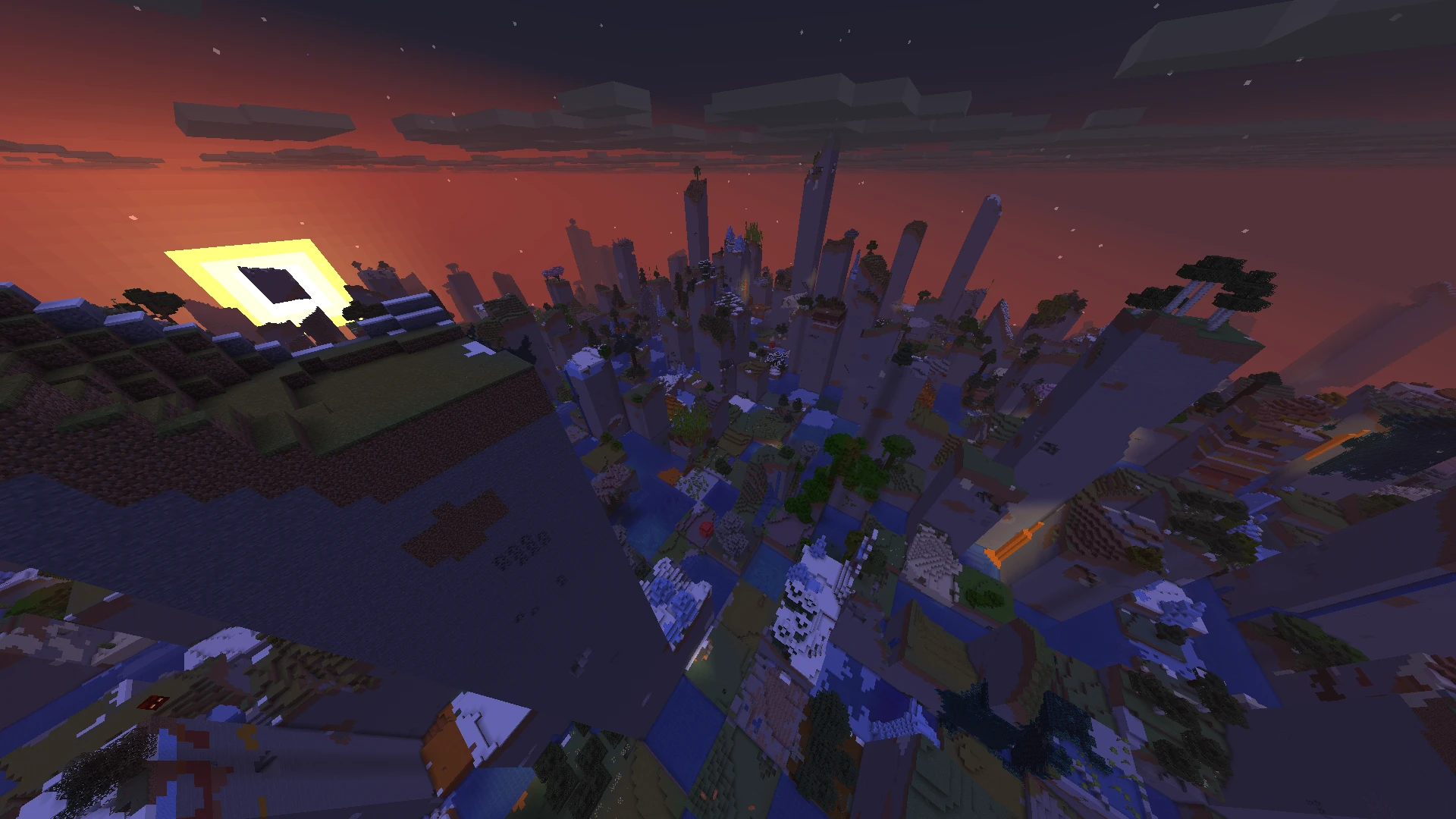
Here is some examples for what the mod is capable of:
Biome randomization:
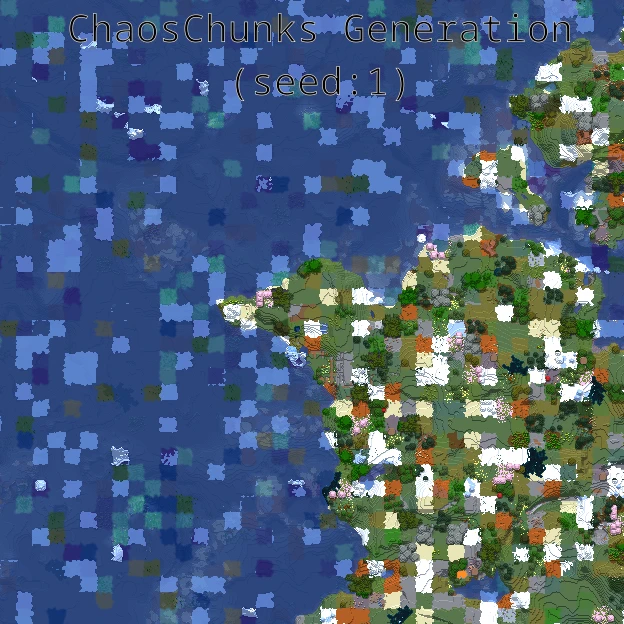
Seed randomization:
Usage
- Open the world creation screen
- Select ChaosChunks in world types and click Customize
- Configure biome rules or dimension settings
- Generate the world
Biome tags or ids or black/whitelisting format:
[],[],[],[] / "","","",""Each bracket/quote has its functionality tied to its order.
Format:
[positive biome tags],[positive biome ids],[negative biome ids],[negative biome tags]Explanation:
- First: biome tags to include
- Second: biome ids to include
- Third: biome ids to exclude
- Fourth: biome tags to exclude
Example:
the_nether = [#minecraft:is_overworld],[minecraft:the_void],[minecraft:swamp,minecraft:river],[#minecraft:is_forest]This will create the nether with only regular overworld biomes without the forests, swamp and river biomes and the void biome added in.
Using SAFE state only uses biomes inside the
dimensions own pool and OFF turns of chaoschunks
generation and uses default generation instead.
Seed randomizer:
Press the boring white box to get a rainbow!!! oh and make your world even more chaotic with each region getting its own generation seed.
Version Numbering:
There being so many numbers may confuse some users so here is a brief explanation.
chaoschunks-[major_version].H#.F#-[minecraft_version].jar [major_version] is the major mod version. This
version value will increase when there is a considerable change in
the mod like a UI change or worldgen change (like smooth biome
generation for example)
H# is the hotfix version. Increase in this version
number will tell you that there has been a fix to a bug or
unexpected behaviour.
F# is the "Fun" version. Increase in this version
number will tell you that only cosmetic changes are included in
this version like banter or a painting being added.
T# is the test version. This number is completely
independent and simply count up per minecraft version until either
H or F increases.
[minecraft_version] is the minecraft version that jar
is made for.
To see which jar is newer simply follow the
[major_version] or if that one is the same add the
numbers in H# and F# to get the total
version number.
Future Plans
-
Hopefully nothing. - Smooth biomes
- Updates to new minecraft versions
- De-voidification of the void biome!
- More sound effects and music
- Better UI
- True world generation customization (think of the old custom world type)
Note:
The mod is not exactly lightweight as it turns chunk generation into a benchmark for the CPU.
You can get the mod from here:
Or see the source code from github:
Source code